Before
A clean screen, the second you need it.
One click hides every desktop icon. One click brings them back. That’s the whole app.
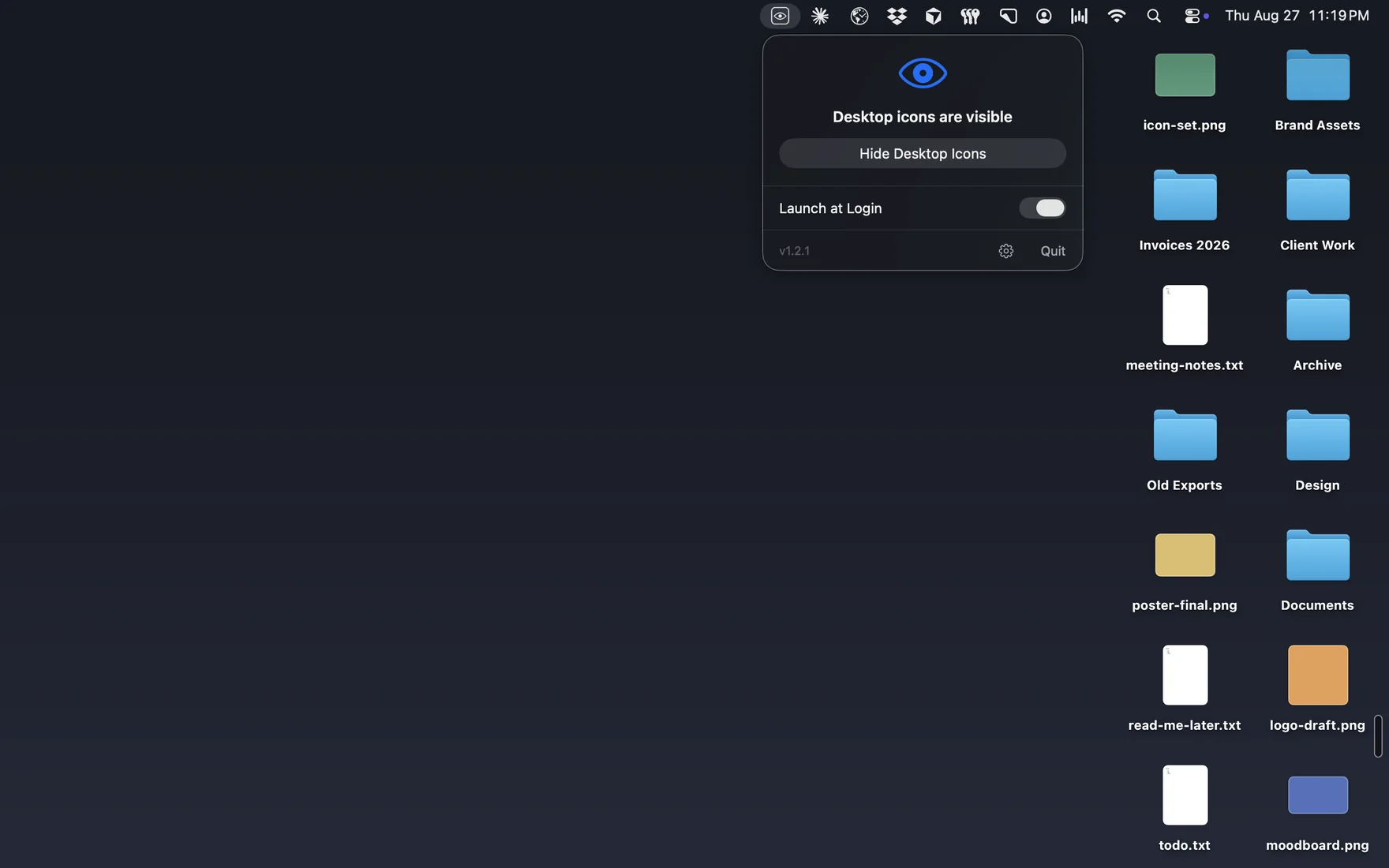
My Clean Desk lives in your menu bar and clears a cluttered desktop the moment you need a clean screen for a screen share, a screenshot, or just some calm. Your files are never moved or deleted.
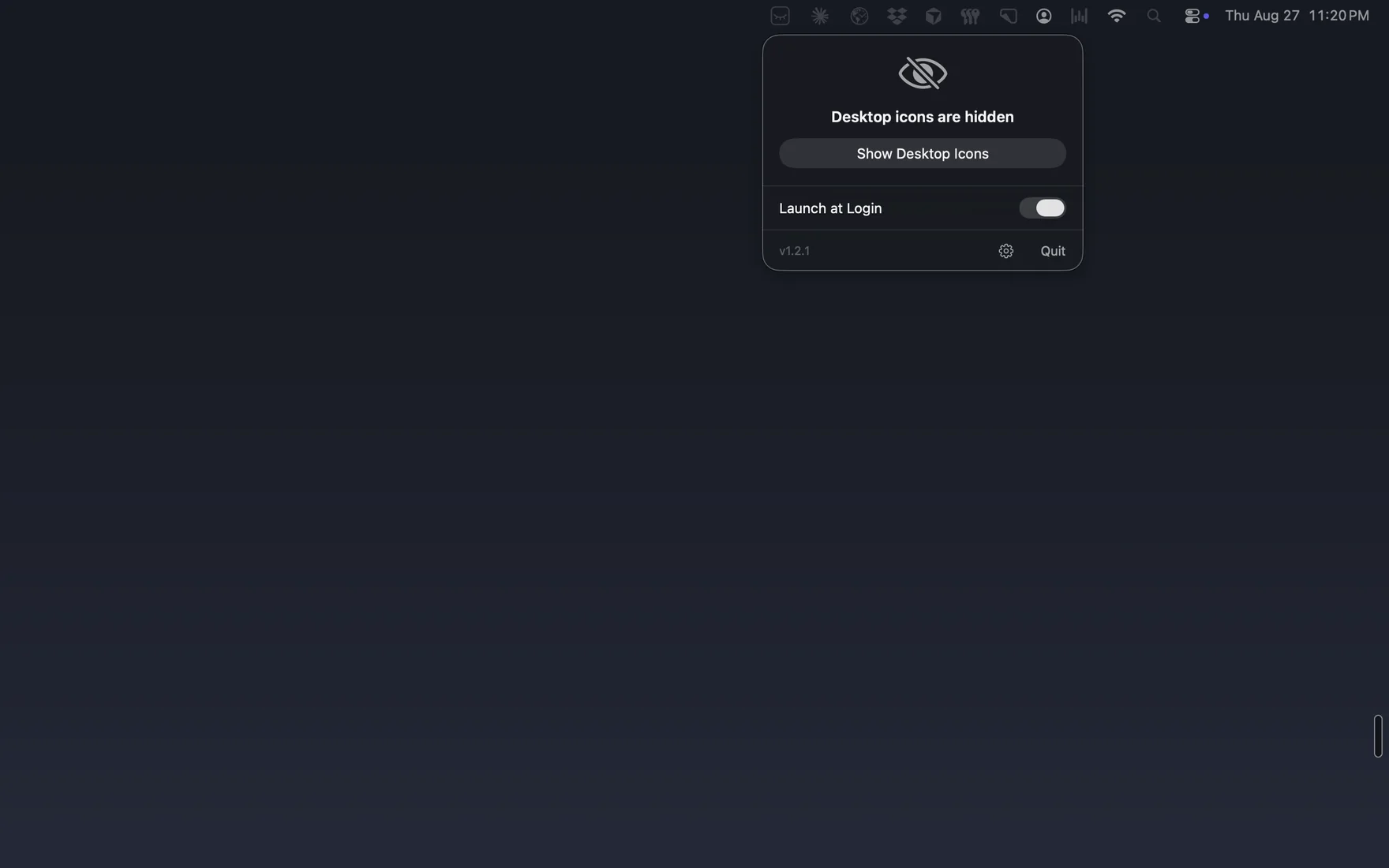
Click the eye in the menu bar to open the menu, just like the real app.
One click hides every desktop icon. One click brings them back. That’s the whole app.
Nothing is moved, renamed, or deleted. macOS just stops drawing the icons until you bring them back. Your wallpaper, widgets, and Stage Manager are unaffected.
Notarized, universal, macOS 13 or later. Download it, unlock once with a free license, done.
Built by one independent developer. No investors, no ads, no upsells, a small, focused tool made with care. Thanks for trying it.
See more apps → designbymiz.com/apps